


How RTX 5090 PC Can Improve Your Gaming Experience
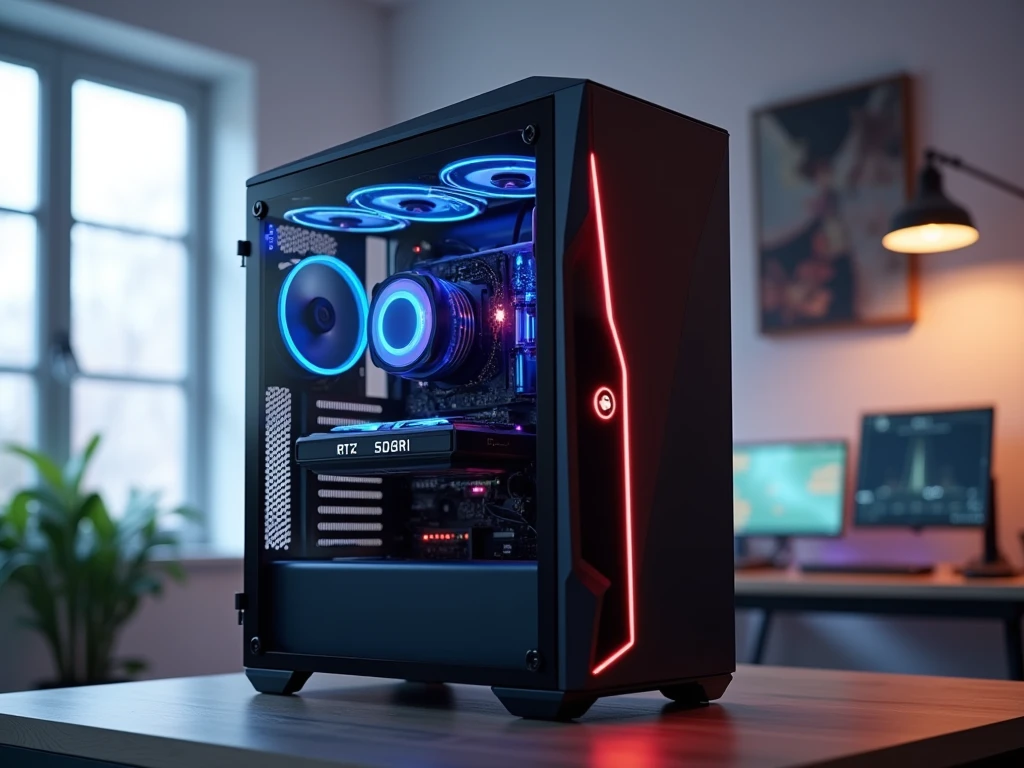
Choosing a powerful gaming computer is no longer only about looking at the graphics card name and buying the most expensive option available. Modern games demand a balanced combination of GPU power, processor performance, fast memory, reliable storage, and proper cooling.
For enthusiasts who want to experience demanding games at high resolutions with advanced visual settings, an RTX 5090 PC can provide an impressive foundation. But before investing in such a high-end system, it is important to understand what makes this graphics card different and which components should be built around it.
What Makes the RTX 5090 Stand Out?
NVIDIA designed the RTX 5090 as a flagship graphics card for the GeForce RTX 50 Series, using the Blackwell architecture. One of its most important features is its 32GB of GDDR7 memory, which gives it substantial capacity for modern gaming and other graphics-intensive applications.
Large VRAM capacity becomes increasingly useful when games use high-resolution textures, detailed environments, complex lighting, and demanding visual effects. It can also be valuable for users who work with 3D rendering, video production, AI applications, and other software that can take advantage of GPU acceleration.
However, specifications alone do not tell the entire story. The experience you get from a flagship graphics card depends heavily on the rest of the computer and the type of workload you plan to run.
4K Gaming Is Where the Hardware Makes Sense
One of the most logical uses for a flagship GPU is high-resolution gaming. At 4K, games require considerably more rendering work than they do at lower resolutions. Increasing graphical quality further with ray tracing and demanding texture settings can add another layer of workload.
This is where the RTX 5090 can become particularly useful. Instead of building a computer around lower-resolution gaming and leaving a large amount of GPU capability unused, enthusiasts can pair the card with a high-quality 4K display and demanding graphical settings.
That does not mean every game needs maximum settings. Some titles are designed around competitive performance, where extremely high refresh rates and low latency may matter more than visual quality. Your gaming habits should therefore influence how the entire PC is configured.
A Powerful GPU Needs a Capable CPU
The processor still plays a major role in gaming, even when the graphics card is extremely powerful. It handles game calculations, artificial intelligence, physics, background processes, and communication between different parts of the system.
For a high-end build, selecting a current-generation performance-focused CPU is important. A processor with strong gaming performance can help maintain consistent frame delivery, particularly in CPU-heavy games or situations where very high frame rates are targeted.
The right CPU also depends on whether the computer will be used for more than gaming. Someone who edits videos, renders 3D projects, compiles software, or performs other heavily multi-threaded work may benefit from a processor with greater multi-core capability.
The key is balance. There is little benefit in spending heavily on a flagship GPU while pairing it with components that are clearly below the level required by the rest of the system.
How Much RAM Should a High-End Gaming PC Have?
System RAM and graphics memory serve different purposes. The 32GB of VRAM on the graphics card is used by the GPU, while system RAM supports Windows, games, applications, and background tasks.
For a premium gaming system, 32GB of DDR5 RAM is a sensible starting point. It provides enough capacity for modern games, multitasking, browsers, launchers, communication applications, and everyday software.
Users who work with large video files, complex 3D scenes, virtual machines, or other memory-intensive projects may want additional capacity. Rather than focusing only on the highest memory speed available, compatibility and stability should be considered when choosing a RAM kit.
Storage Can Affect the Overall Experience
A flagship gaming computer should not be paired with outdated or unnecessarily slow storage. Modern NVMe SSDs offer fast access to games, applications, and operating-system files, helping the overall system feel responsive.
Capacity is equally important. Modern games can take up a significant amount of space, especially when multiple large titles, updates, downloadable content, and high-resolution assets are stored together.
A practical approach is to use a sufficiently large NVMe SSD as the main drive and add secondary storage when required. This provides room for both games and everyday applications without constantly worrying about available space.
Cooling Should Be Planned Before Buying the Case
High-performance hardware produces heat, so cooling is not simply an aesthetic feature. It directly affects how comfortably the system can operate during long gaming sessions and demanding workloads.
When selecting a case, consider airflow, GPU clearance, CPU-cooler height, radiator support, and fan placement. A case with good internal space can make installation easier and provide better airflow around the major components.
The CPU cooler should also match the processor being used. Good cooling is not about filling the case with as many fans as possible; it is about creating an effective path for cool air to enter and warm air to leave.
Power Supply Is One Component You Shouldn't Compromise On
A flagship graphics card requires serious attention to power delivery. The power supply needs enough capacity for the complete system rather than being selected based solely on the GPU.
The processor, motherboard, storage drives, cooling components, fans, USB devices, and other hardware all contribute to total power requirements. A quality PSU with suitable modern connectors and reasonable headroom can provide a more dependable foundation for the build.
Cable routing is also worth considering. High-power GPU connections should be installed carefully, with enough room for proper cable positioning rather than forcing cables into tight bends.
Don't Forget the Monitor
A powerful computer can only provide its full visual benefit if the monitor can display what the hardware is producing. For an enthusiast system, monitor selection should therefore happen alongside the PC build rather than afterward.
A 4K high-refresh-rate display can be an excellent match for demanding gaming. Players focused on competitive titles may instead prioritize refresh rate and response time. Features such as adaptive synchronization and HDR can also improve the experience depending on the type of games being played.
The important thing is to avoid spending heavily on internal hardware while using a display that cannot take advantage of it.
Who Can Benefit From This Level of Gaming PC?
A flagship graphics card makes the most sense for enthusiasts who specifically want high-end performance rather than simply needing a computer for basic gaming.
It can be useful for players who enjoy demanding single-player games, high-resolution displays, advanced ray tracing, and visually intensive settings. It can also appeal to creators and professionals who use GPU-accelerated applications.
For buyers comparing different configurations in the UAE Budget Gamer can also be considered when exploring gaming PC options, upgrades, and hardware combinations. The important thing is to compare the complete configuration rather than judging a computer only by its GPU.
Important Things to Check Before Building
Before purchasing an RTX 5090-based system, consider these practical points:
-
Match the GPU with a modern high-performance CPU.
-
Choose enough RAM for both gaming and everyday multitasking.
-
Use fast and sufficiently large NVMe storage.
-
Select a quality power supply with appropriate capacity and connectors.
-
Check the graphics card's physical dimensions before choosing a case.
-
Plan airflow and CPU cooling before finalizing the components.
-
Pair the computer with a monitor that suits your target resolution and refresh rate.
-
Leave some room for future storage or memory upgrades.
These details may not be as exciting as the graphics card itself, but they can make a major difference to the finished computer.
Frequently Asked Questions
Is the RTX 5090 suitable for 4K gaming?
Yes. Its level of GPU capability makes high-resolution gaming one of the most appropriate uses for the card, especially when demanding graphics features are enabled.
How much RAM is recommended for an RTX 5090 PC?
For a high-end gaming system, 32GB of DDR5 RAM is a practical starting point. Users with demanding professional workloads may benefit from more.
Does an RTX 5090 PC need a special cooling setup?
It needs properly planned cooling rather than a specific one-size-fits-all setup. Case airflow, CPU cooling, GPU clearance, and fan placement should all be considered together.
Conclusion
An RTX 5090 PC is best understood as a complete high-performance platform rather than simply a computer with an expensive graphics card. The GPU can provide enormous potential for high-resolution gaming, advanced graphics, creative applications, and demanding workloads, but that potential is best realized when the processor, RAM, storage, power supply, cooling, and monitor are selected as one balanced system. With careful planning, the result can be a powerful and versatile PC designed for users who expect a premium experience from their hardware.

 English
 Arabic
 Spanish
 Portuguese
 Deutsch
 Turkish
 Dutch
Dutch
 Italiano
 Russian
 Romaian
 Portuguese (Brazil)
 Greek
Greek