


What Components Work Best with an RTX 5080 for a Powerful Gaming PC
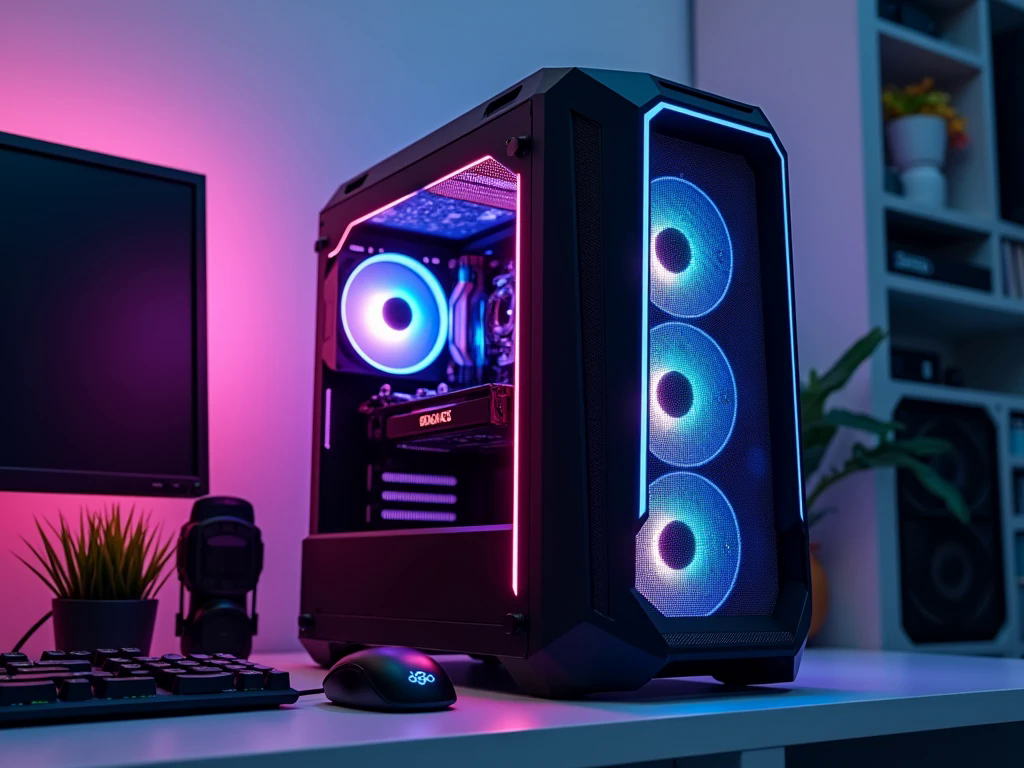
Building a powerful gaming computer involves more than choosing an expensive graphics card and fitting it into a case. Every component needs to contribute to a system that runs smoothly, handles demanding games, and remains reliable during long sessions. The NVIDIA GeForce RTX 5080 gives PC builders a strong foundation for high-resolution gaming, but the experience you get also depends on the processor, motherboard, memory, storage, cooling, and power supply surrounding it. When planning a high-performance setup, the smartest approach is to identify how you intend to use the computer before deciding where to spend your budget. A competitive gamer may prioritize high frame rates, while someone playing cinematic games may focus on 4K visuals and detailed graphics.
Choosing the right components for an RTX 5080 gaming PC helps you build a system that supports your goals without paying extra for hardware that provides little practical benefit.
Start With a Processor That Complements the RTX 5080
A powerful graphics card needs a processor capable of keeping up with the work happening inside modern games. The CPU manages game logic, artificial intelligence, background processes, and other tasks that influence responsiveness and frame delivery.
For a gaming-focused build, the AMD Ryzen 7 9800X3D is a strong option because it is designed to deliver excellent gaming performance. The Ryzen 7 7800X3D is another model worth considering, depending on its availability and price. Buyers who divide their time between gaming and demanding professional applications may prefer a Ryzen 9 processor with additional processing resources.
The right choice depends on the games you play and your target resolution. At 4K, the graphics card often handles most of the workload, while high-refresh-rate gaming at lower resolutions can place greater demands on the CPU. Matching the processor to your intended experience is more useful than automatically buying the most expensive model.
Choose a Motherboard That Supports Your Upgrade Plans
The motherboard connects the processor, memory, graphics card, storage, and other components. Although it does not usually receive as much attention as the GPU, it influences compatibility and future expansion.
For an AMD Ryzen-based RTX 5080 PC, a suitable AM5 motherboard from the B850 or X870 family can be a practical choice, depending on the processor and features required. Look for adequate power delivery, supported DDR5 memory, sufficient M.2 storage slots, and the connections you expect to use.
You may also want built-in Wi-Fi, Bluetooth, additional USB ports, or more expansion options. These features can make everyday use more convenient, particularly if the PC will serve as a gaming and work machine.
Rather than buying a motherboard based entirely on its price or appearance, compare its features with your actual requirements. A well-selected board provides a reliable foundation without forcing you to pay for unnecessary extras.
Give the Graphics Card Enough Room to Perform
The RTX 5080 is the central component in this type of build, so the rest of the system should be planned around its physical dimensions, cooling requirements, and power needs.
Before purchasing a case, check the exact graphics card model because different manufacturers may offer different card lengths and thicknesses. Confirm that the case has enough clearance and that the installed fans or radiator will not obstruct the GPU.
Airflow is equally important. A large graphics card needs a case that can bring in cool air and release warm air efficiently. A spacious design with suitable intake and exhaust fans can make maintenance easier and help prevent heat from building up during extended gaming sessions.
How Much RAM Does an RTX 5080 PC Need?
System memory affects how comfortably your computer handles games, applications, and background tasks. For a premium gaming setup, 32GB of DDR5 RAM is a sensible starting point for most users.
This capacity provides room for demanding games, voice chat, web browsing, launchers, and common multitasking activities. If you regularly edit large video projects, work with complex creative software, or run memory-intensive applications, 64GB may be worth considering.
Memory speed and compatibility also matter. Ryzen systems can benefit from properly configured DDR5 memory, but the best settings depend on the processor and motherboard. Check the motherboard's supported memory specifications and choose a compatible kit rather than selecting RAM based only on its advertised speed.
More memory is not automatically better for every gamer. It should fit the workload and the overall budget.
Select Fast Storage With Enough Capacity
An RTX 5080 does not make a computer's storage requirements disappear. Modern games can occupy substantial amounts of drive space, particularly when several large titles are installed together.
A 2TB NVMe SSD is a useful option for a high-end gaming PC because it provides space for the operating system, frequently played games, applications, and saved content. A 1TB drive can also work if you maintain a smaller game library or plan to expand storage later.
NVMe SSDs offer fast data access and help reduce loading times in supported games. However, a more expensive SSD will not necessarily produce a dramatic improvement in frame rates. For most buyers, choosing adequate capacity and a reputable drive is more important than chasing the highest advertised sequential speeds.
Keep CPU Temperatures Under Control
Cooling decisions should reflect the processor, case design, room temperature, and expected workload. A suitable air cooler can handle some gaming-focused processors, while a quality liquid cooler may be useful for particular high-performance CPUs or builds where noise and thermal headroom are priorities.
There is no need to choose liquid cooling simply because the PC contains an RTX 5080. The graphics card has its own cooling system, while the CPU cooler manages processor temperatures. Case airflow helps both components by moving warm air away from the hardware.
For users in the UAE, where ambient temperatures can be high, good ventilation and sensible fan placement deserve extra consideration. The aim is consistent performance during extended use, not simply impressive-looking cooling hardware.
Match the Monitor to Your New Gaming PC
A powerful desktop deserves a display that can take advantage of its capabilities. An RTX 5080 build may suit gamers targeting high-refresh-rate 1440p or detailed 4K gaming, depending on the games, settings, and performance expectations.
A 1440p high-refresh-rate monitor can be a good fit for players who value responsiveness, while a 4K display may appeal to those who prefer sharper visuals and immersive single-player experiences. Competitive gamers should also consider input latency and refresh rate rather than focusing on resolution alone.
Plan the monitor alongside the rest of the build. If the display is not capable of showing the performance you want, some of the benefit of investing in premium hardware may go unused.
Example of a Balanced RTX 5080 Gaming Configuration
The following is a practical starting point for a premium gaming build, rather than a fixed list that every buyer must follow.
|
Component |
Suggested configuration |
|
Graphics card |
NVIDIA GeForce RTX 5080 |
|
Processor |
AMD Ryzen 7 9800X3D or Ryzen 7 7800X3D |
|
Motherboard |
Compatible B850 or X870 AM5 board |
|
Memory |
32GB DDR5 |
|
Storage |
2TB NVMe SSD |
|
Power supply |
Quality 850W unit; consider 1000W for extra headroom |
|
CPU cooling |
Suitable high-performance air or liquid cooler |
|
Case |
Airflow-focused case with verified GPU clearance |
|
Monitor |
High-refresh-rate 1440p or 4K, based on your gaming goals |
The final selection should account for local availability, component compatibility, warranty, and your intended workload.
Should You Build a Custom RTX 5080 Gaming PC?
A custom configuration allows you to decide how much to invest in each part. You can prioritize gaming performance, choose a preferred case, add storage, or select quieter cooling according to your needs.
For buyers who do not want to assemble every component themselves, a professionally assembled custom PC offers another option. Hextech Computer is worth considering when exploring gaming PC configurations in the UAE. Before purchasing, ask for a detailed parts list and confirm the warranty, power supply, cooling arrangement, and upgrade possibilities.
The value of customization lies in making the system fit the user, rather than choosing components simply because they are expensive.
Common Mistakes to Avoid
Several small decisions can undermine an otherwise powerful gaming build. Buying a motherboard without checking CPU compatibility, choosing a case that cannot accommodate the GPU, or selecting an unsuitable power supply can create unnecessary costs.
Another mistake is spending heavily on RGB lighting while overlooking airflow, storage capacity, or component quality. Appearance can be part of the design, but it should not replace practical requirements.
Finally, do not assume that every game will run at the same frame rate just because the PC has an RTX 5080. Performance varies with resolution, game optimization, graphics settings, and processor demands.
Frequently Asked Questions
1. Which processor works best with an RTX 5080 for gaming?
The AMD Ryzen 7 9800X3D is a strong gaming-focused option, while the Ryzen 7 7800X3D can be attractive when its price makes it better value. The best choice depends on your resolution, games, and other workloads.
2. Is 32GB RAM enough for an RTX 5080 gaming PC?
Yes. For most gaming-focused systems, 32GB of DDR5 RAM is a practical choice. Users working with demanding creative applications or extensive multitasking may benefit from 64GB.
3. Can Hextech Computer help with a custom RTX 5080 PC?
You can explore Hextech Computer's gaming PC options and ask about a configuration suited to your preferred games, monitor, performance targets, and upgrade plans. Confirm the exact components and warranty before purchasing.
Conclusion
Choosing the best components for an RTX 5080 gaming PC means thinking about the entire system rather than focusing exclusively on the graphics card. A capable Ryzen processor, compatible motherboard, 32GB of DDR5 memory, fast SSD storage, reliable power supply, and well-planned cooling create a strong foundation for premium gaming. The monitor and case deserve equal attention because they determine how effectively the hardware can be used. By balancing performance, compatibility, and future flexibility, you can build a gaming computer that suits your priorities without wasting money on unnecessary features. The strongest configuration is ultimately the one that works together as a complete system and delivers the experience you want from your investment.

 English
 Arabic
 French
 Spanish
 Portuguese
 Deutsch
 Dutch
Dutch
 Italiano
 Russian
 Romaian
 Portuguese (Brazil)
 Greek
Greek