


IPTV for Sports in Sweden: What to Check Before Match Day
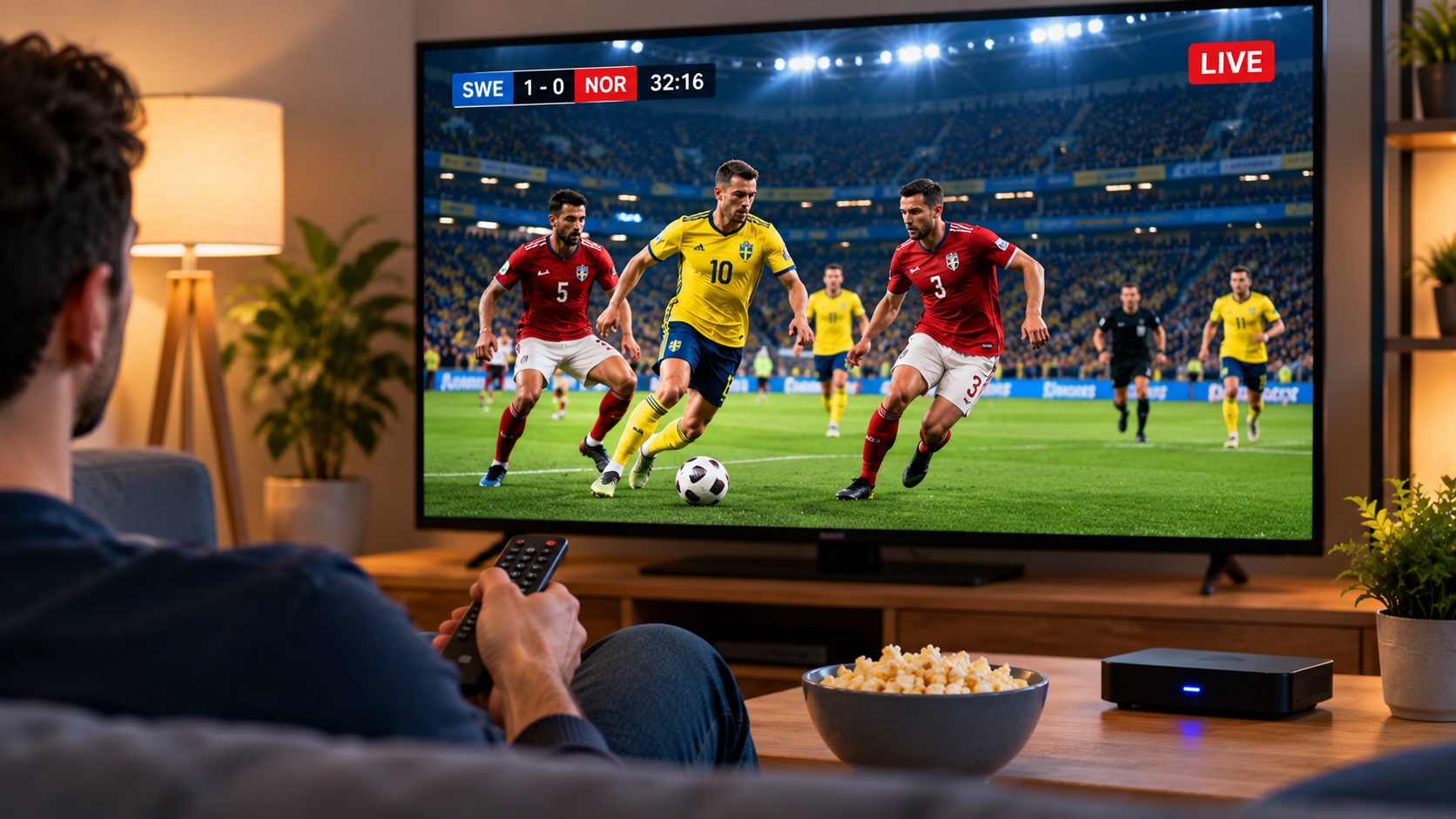
Live sport is one of the most demanding types of online television to stream. A film can often buffer a few seconds in advance, but football, hockey, motorsport, and other live events need a stable connection throughout the broadcast.
For viewers in Sweden who use IPTV for sports, a reliable experience depends on more than simply opening a channel. Internet stability, device performance, Wi-Fi quality, application compatibility, and stream settings can all affect playback.
Preparing the setup before an important match can reduce the risk of unnecessary interruptions.
Why Live Sports Need a Stable Connection
Sports broadcasts contain constant movement and rapid changes in the picture. This can place greater demands on a streaming connection than slower television content.
If the internet connection becomes unstable, viewers may experience:
-
Buffering
-
Temporary freezing
-
Reduced picture quality
-
Delayed loading
-
Audio and video synchronization problems
The best way to prevent these issues is to check the entire streaming setup rather than focusing on only one component.
Test Your Internet Before the Event
Do not wait until kickoff to discover that the home network has a problem.
Test the internet connection on the same device and in the same room where the match will be watched.
A speed test can provide useful information, but consistency is equally important. A connection that repeatedly drops can cause more problems than one that is slightly slower but stable.
Test During Similar Hours
Internet usage can change throughout the day.
If the match will be watched in the evening, testing the network during another busy evening can provide a more realistic idea of expected performance.
Use Ethernet When Practical
A wired Ethernet connection can provide more consistent performance than Wi-Fi for fixed devices such as Smart TVs and streaming boxes.
Wi-Fi signals may be affected by:
-
Walls and floors
-
Router distance
-
Nearby wireless networks
-
Furniture
-
Other connected electronics
If the television or streaming device is close enough to the router, Ethernet can remove many of these variables.
For households that regularly watch live sports, a wired connection can be worth considering.
Improve Wi-Fi for Sports Streaming
Ethernet is not always possible, particularly when the router is located in another room.
In that case, router placement becomes important.
Keep the router in an open position instead of placing it inside a cabinet or behind large furniture. Reducing physical obstacles between the router and streaming device can improve signal quality.
Larger homes may also benefit from additional networking equipment when some rooms consistently receive weak coverage.
Reduce Other Network Activity
Live IPTV shares the internet connection with other devices in the home.
Performance may decline if someone else is simultaneously:
-
Downloading large files
-
Uploading cloud backups
-
Streaming high-resolution video
-
Playing online games
-
Participating in video calls
If buffering mainly occurs when the network is busy, reducing unnecessary activity during an important match may help.
This can be particularly relevant in households where several people use the same connection at the same time.
Choose a Compatible IPTV Player
The IPTV player is the application used to organize and display the service on a television, streaming box, smartphone, tablet, or computer.
Different players offer different interfaces and features.
For sports viewing, useful functions may include:
-
Fast channel switching
-
Favorites
-
Electronic program guide support
-
Search
-
Full-screen playback
-
Audio selection
-
Subtitle controls
-
Simple remote navigation
Swedish viewers researching IPTV subscriptions, compatible devices, streaming options, and setup guidance can also explore Rapid IPTV Sweden when comparing services for their household entertainment needs.
Create a Sports Favorites List
Searching through a large channel list just before an event can be frustrating.
Many IPTV players allow users to create a favorites section.
Adding frequently watched sports channels in advance can make navigation much faster.
This can be especially useful when following several types of sport, such as football, ice hockey, motorsport, tennis, or winter sports.
The exact channel availability depends on the service being used.
Check the Electronic Program Guide
An Electronic Program Guide, or EPG, can help viewers identify upcoming sports programming.
Instead of opening channels individually, an EPG may display:
-
Program names
-
Start times
-
Upcoming events
-
Channel schedules
-
Current broadcasts
Before relying on the guide, make sure the device has the correct date and timezone.
Incorrect time settings can cause EPG schedules to appear earlier or later than expected.
Restart Devices Before Important Matches
Streaming devices can remain active for days or weeks without being fully restarted.
Temporary memory or application problems may gradually affect performance.
Before an important live event, restarting the IPTV application, Smart TV, or streaming box can provide a clean start.
Restarting the router may also help if the home internet connection has recently been unstable.
There is no need to restart equipment constantly, but doing so before an important event can eliminate some temporary issues.
Keep Applications Updated
Outdated IPTV players can sometimes develop compatibility problems.
Before match day, check whether updates are available for:
-
The IPTV application
-
Smart TV software
-
Streaming box firmware
-
Mobile operating systems
Complete updates early rather than immediately before the event.
Some updates require a restart or introduce interface changes, so users should confirm that everything still works afterward.
Avoid Changing Settings During a Match
When buffering occurs, changing several settings at once can make troubleshooting more difficult.
Instead, identify the problem methodically.
Step 1: Try Another Channel
If only one stream has a problem, the issue may be specific to that source.
Step 2: Check Other Internet Services
Open another application or website.
If everything is slow, the home internet connection may be responsible.
Step 3: Restart the IPTV Player
Temporary software issues can sometimes be resolved by reopening the application.
Step 4: Check Wi-Fi Strength
Weak signal quality may explain interruptions on wireless devices.
Step 5: Try Ethernet if Available
A wired test can help determine whether Wi-Fi is the problem.
Changing one thing at a time makes it easier to identify the real cause.
Consider the Device You Use
The quality of the internet connection is only one part of the streaming experience.
Older televisions and streaming boxes can struggle with modern applications or high-quality video.
Potential signs of device limitations include:
-
Slow menus
-
Frequent application crashes
-
Long channel-loading times
-
Overheating
-
Limited storage
-
Delayed remote response
If the same IPTV account works well on another device using the same network, hardware performance may be contributing to the problem.
Smart TV or Streaming Box for Sports?
Both can work well.
A Smart TV application provides a simple setup without extra equipment. If the television is modern and the preferred IPTV player is supported, this may be all that is needed.
A streaming box can provide additional flexibility, especially when an older television has limited application support.
The better choice is the one that provides stable playback and easy navigation with the applications you actually use.
Watching Sports on Mobile Devices
Smartphones and tablets can be useful when the main television is unavailable or when viewers are away from home.
When streaming through Wi-Fi, check signal strength before the event begins.
When using mobile data, remember that live video can consume significant amounts of data.
Users should also review their mobile plan and any roaming conditions before streaming while travelling.
Be Careful With Unofficial Applications
Users should obtain IPTV players from reputable application stores or trusted developer sources whenever possible.
Unknown applications downloaded from unofficial websites may create security or privacy risks.
Avoid giving unnecessary permissions to streaming applications and keep account credentials private.
Basic security practices are just as important for entertainment services as they are for other online accounts.
Prepare a Backup Device
If watching an important sports event matters, having another compatible device available can be useful.
For example, a Smart TV may be the primary option while a tablet or laptop serves as a backup.
This does not mean using multiple streams simultaneously unless the subscription allows it.
A backup simply provides another way to test whether a problem is related to the original device.
Check Subscription Conditions
Different IPTV subscriptions may have different rules regarding devices and simultaneous connections.
Before using more than one screen, check the provider's terms.
Do not assume that installing the same account on several devices automatically means simultaneous streaming is allowed.
Understanding these conditions in advance can prevent connection problems during a live event.
Final Thoughts
A smooth IPTV sports experience depends on preparation.
A stable internet connection, strong Wi-Fi or Ethernet, a compatible IPTV player, updated software, and reliable hardware all contribute to consistent live viewing.
Swedish viewers who regularly watch sports should test their setup before major events rather than waiting until the broadcast begins.
A few simple checks can make it easier to identify potential problems early and create a more dependable IPTV setup for live football, hockey, motorsport, and other sporting events.

 English
 Arabic
 French
 Spanish
 Portuguese
 Deutsch
 Turkish
 Dutch
Dutch
 Italiano
 Romaian
 Portuguese (Brazil)
 Greek
Greek