


Why Splitting PDF Files Makes Document Sharing Easier
PDF files are one of the most popular ways to store, organize, and share digital information. From business reports and educational notes to invoices, contracts, and presentations, PDFs make it easy to maintain document formatting across different devices. However, sharing a large PDF file can sometimes create unnecessary difficulties.
Imagine needing to send just three pages from a 100-page report. Sending the entire document may take more time, consume additional storage, and force the recipient to search through pages they do not need. This is where splitting PDF files becomes useful.
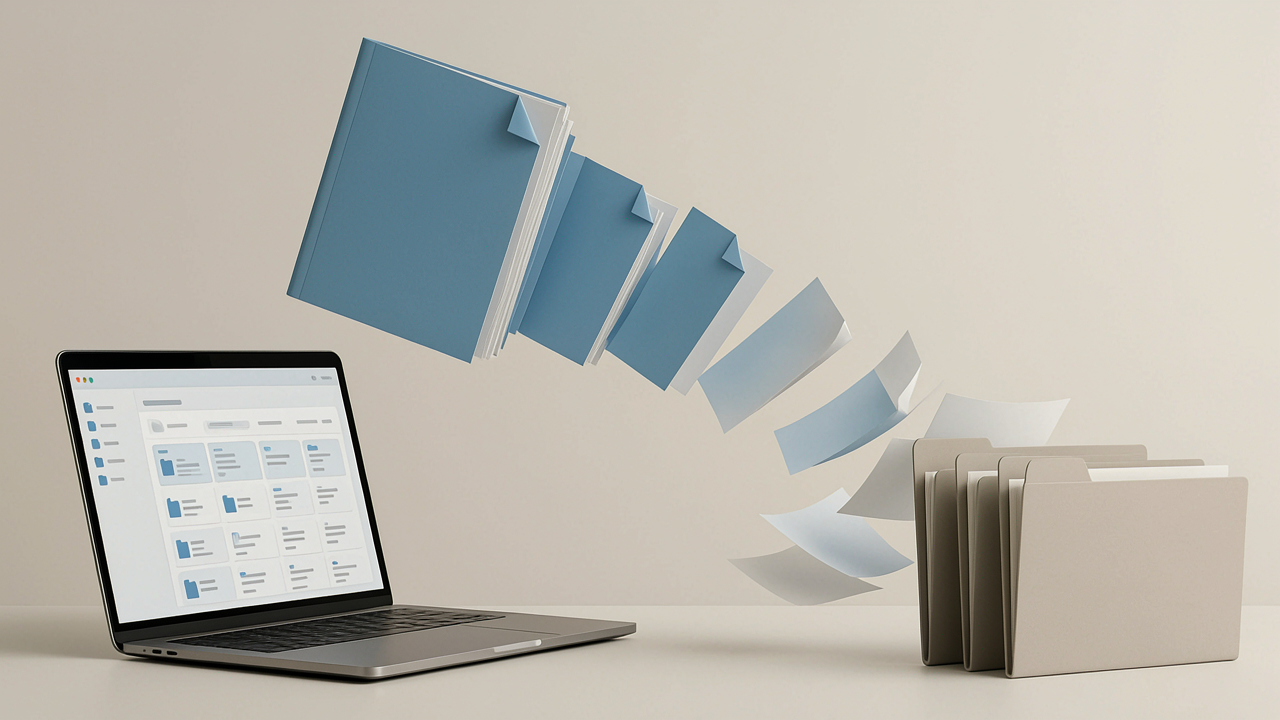
Splitting a PDF allows you to divide a large document into smaller, more manageable sections. Instead of sharing an entire file, you can send only the pages relevant to your audience. It makes communication faster, improves document organization, and simplifies everyday digital workflows.
Whether you are a student, professional, business owner, or remote worker, understanding how to split large PDF files can make document sharing much easier.
1. Make Document Sharing Faster and More Convenient
One of the biggest advantages of splitting PDF files is the ability to share information more efficiently. Large documents often contain multiple sections that are intended for different readers. Sending everything to everyone can create confusion and waste time.
For example, a company may prepare a detailed monthly report containing financial information, marketing updates, and employee performance data. Different departments may only need access to their respective sections.
By splitting the original PDF into smaller files, each department receives exactly what it needs. Recipients do not have to download unnecessary pages or spend time searching through unrelated information.
Smaller documents are also easier to attach to emails, upload to online platforms, and send through messaging applications. This makes PDF splitting particularly helpful when working with clients, colleagues, teachers, and business partners.
2. Reduce File Sizes for Easier Sharing
Large PDF documents can become difficult to transfer, especially when they contain high-resolution images, scanned pages, charts, or detailed graphics. Some email services and online platforms also impose attachment size limits.
When you split a large PDF into smaller sections, you can distribute its content across multiple files. Each section may be easier to upload, download, and send independently.
For example, a 150-page training manual could be divided into separate chapters. Instead of sending one large document, you can share individual chapters whenever they are needed.
This approach offers several practical benefits:
-
Makes large documents easier to distribute.
-
Helps work around individual attachment size limits.
-
Reduces unnecessary downloads.
-
Makes specific information quicker to access.
-
Simplifies file storage and transfer.
It is important to understand that splitting a PDF does not automatically compress its contents or reduce the total size of all resulting files. However, it makes it easier to share only the relevant portion instead of transferring the complete document every time.
3. Share Only the Information That Matters
Not every person needs access to every page in a document. Sharing unnecessary information can make communication less effective and sometimes create privacy concerns.
PDF splitting helps you select specific pages and create separate files for different recipients. This is particularly useful in professional and educational environments.
Consider these examples:
-
Students: Share selected chapters or assignment pages with classmates.
-
Teachers: Distribute individual worksheets instead of complete course materials.
-
Businesses: Send relevant invoice pages or report sections to clients.
-
Freelancers: Share specific portfolio samples without sending an entire collection.
-
Office teams: Distribute individual sections of meeting reports to the appropriate departments.
This approach keeps communication focused and helps recipients find the information they actually need.
It is also important when documents contain confidential information. However, splitting alone does not protect sensitive pages. Always review the resulting files and use proper redaction or password protection when necessary.
4. Organize PDF Documents More Effectively
Managing multiple documents becomes challenging when everything is stored in large, unorganized files. Finding a particular section can take several minutes, especially when documents contain hundreds of pages.
Splitting PDFs into smaller sections creates a more organized document management system.
For example, a student preparing for final examinations might have a single PDF containing notes from several subjects. Dividing it into separate subject-based files makes studying more structured and convenient.
Similarly, businesses can organize large documents into categories such as:
-
Financial statements
-
Customer records
-
Project reports
-
Contracts and agreements
-
Training materials
You can also use meaningful file names, such as Marketing-Report.pdf or Chapter-03-Notes.pdf, to make documents easier to identify.
When you consistently organize files this way, you spend less time searching and more time completing important tasks.
5. How to Split Large PDF Files Easily
You do not need advanced technical knowledge or complicated desktop software to split large PDF files. Online PDF tools make the process accessible to almost anyone.
Here is a simple workflow you can follow:
Step 1: Choose your PDF file
Open a reliable PDF splitting tool and select the document you want to divide. Make sure you have permission to modify and share the file.
Step 2: Select the required pages
Decide which pages should become separate documents. Depending on your needs, you can select individual pages, specific page ranges, or divide the document into equal sections.
Step 3: Review the page selection
Double-check the selected pages before processing. This helps prevent missing information or accidentally including unrelated content.
Step 4: Split the document
Start the splitting process and allow the tool to generate the smaller PDF files.
Step 5: Download and organize your files
Save the resulting documents with clear names. Open each file briefly to confirm that the correct pages and information are included.
Using a browser-based solution such as EasyConverterTool can make everyday PDF tasks more convenient. Choose the appropriate splitting option, organize your pages, and prepare separate documents for sharing.
6. Improve Your Digital Workflow With Smarter PDF Sharing
Splitting PDF files is not just about creating smaller documents. It is also about building a more efficient digital workflow.
When you regularly work with reports, educational resources, business documents, or administrative files, organizing information before sharing can save considerable effort.
A few simple habits can make the process even better:
-
Plan your page ranges: Decide which sections each recipient needs before splitting.
-
Use descriptive file names: Make every document easy to recognize.
-
Check document quality: Ensure text, images, tables, and formatting remain readable.
-
Review confidential information: Avoid accidentally sharing private or sensitive pages.
-
Keep original copies: Store the complete PDF safely in case you need it later.
-
Use trusted tools: Consider privacy, security, and file-handling practices before processing important documents.
Combining PDF splitting with other document management activities, such as merging, compressing, and converting files, can make handling digital information even easier.
Conclusion
Splitting PDF files is a simple but valuable way to improve document sharing. It helps you distribute relevant information, avoid unnecessary downloads, organize large documents, and make communication more convenient.
Whether you need to share educational notes, business reports, invoices, or project documents, dividing large PDFs into smaller sections gives you greater control over how information is distributed.
By using reliable online tools and following a few basic organization practices, you can save time and make everyday document management much easier.
EasyConverterTool can be a convenient part of this workflow when you need to work with PDF documents online. Instead of struggling with large, complicated files, make document sharing simpler by preparing and sharing only the pages that matter.

 Arabic
 French
 Spanish
 Portuguese
 Deutsch
 Turkish
 Dutch
 Italiano
 Russian
 Romaian
 Portuguese (Brazil)
 Greek