


How to Integrate AI Chatbots Into Real Estate Mobile Applications
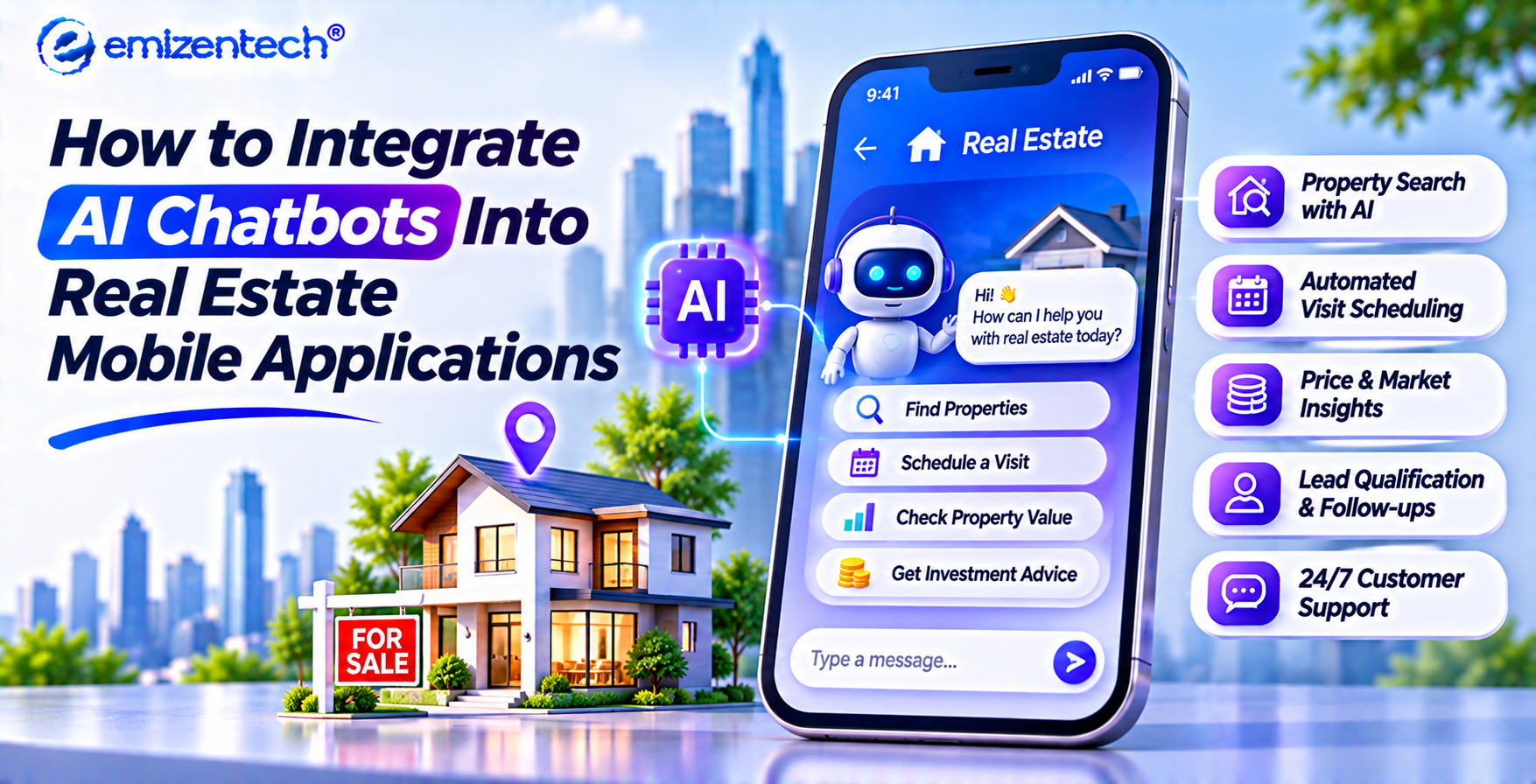
Buying, renting, or leasing a property rarely happens during standard office hours. House hunters browse listings late at night, compare neighborhoods over weekend coffee, and expect instant answers when a desirable home hits the market. Waiting hours for an agent callback often means losing a motivated prospect to a faster platform.
Inside a property application, a conversational assistant acts as a round-the-clock digital concierge. It answers questions about square footage, HOA fees, school districts, and availability while guiding prospective buyers or tenants toward next steps. Instead of leaving users to hunt through dozens of filters manually, a well-built virtual assistant turns casual mobile browsing into meaningful, high-intent interactions.
Why Integrate AI Chatbots Into Real Estate Mobile Apps
Adding conversational AI to a real estate mobile app changes how prospects interact with your inventory and how quickly your sales or leasing team can act on interest. Working with a dedicated real estate app development company allows property platforms to connect intelligent automation directly with live listing workflows. By handling routine inquiries automatically and capturing structured preferences in real time, the assistant keeps users engaged inside your app, qualifies leads before human handoff, and frees brokers, landlords, and property managers to focus on tours, negotiations, and closing deals.
Key Use Cases of AI Chatbots in Real Estate Apps
Conversational assistants support every stage of the property journey, from initial discovery and tour scheduling to tenant requests, mortgage questions, and portfolio updates across mobile platforms.
-
Instant Property Discovery and Matching: Users can describe what they want in plain language, such as a three-bedroom apartment near a metro station under a specific budget, and receive tailored listings immediately.
-
Automated Viewing and Tour Scheduling: The assistant checks real-time calendar availability for agents or property managers and books in-person walkthroughs or virtual tours without back-and-forth messaging.
-
Lead Qualification and Buyer Profiling: Before routing a prospect to an agent, the bot gathers timeline details, budget range, pre-approval status, and must-have amenities so agents enter every conversation prepared.
-
Rental Inquiries and Tenant Onboarding: Prospective tenants can ask about pet policies, security deposits, parking rules, and lease terms, while existing residents can submit maintenance tickets or check payment statuses.
-
Mortgage and Affordability Guidance: Buyers can run quick monthly payment estimates, explore down-payment scenarios, and get connected with financing options directly from a listing screen.
Core Features to Include in a Real Estate Chatbot
To deliver genuine value rather than rigid menu loops, a property chatbot needs smart language understanding, live inventory access, and smooth handoffs to human team members.
-
Natural Language Search and Filtering: Understands conversational queries, lifestyle preferences, and follow-up refinements without forcing users to reset complex filter menus every time.
-
Live MLS, IDX, and Inventory Sync: Pulls accurate pricing, availability, photos, and property status directly from your listing database so users never get outdated or sold-listing suggestions.
-
Seamless Human Handoff and CRM Sync: Detects high-intent signals or complex negotiation questions and transfers the full chat transcript to an agent or your CRM system.
-
Multilingual and Voice Support: Lets users speak or type in their preferred language, making property search more accessible for relocating buyers, international investors, and diverse renters.
-
Smart Push Notifications and Alerts: Sends timely updates when price drops occur, new matching homes appear, or upcoming property tours approach.
Step-by-Step Process to Integrate an AI Chatbot Into a Real Estate App
Integrating an AI assistant requires careful planning across data connections, conversation design, security controls, and mobile testing so the experience feels native and dependable.
Step 1: Define Goals, Target Users, and Conversation Flows
Identify primary user journeys for buyers, renters, sellers, or agents, list high-volume inquiries to automate first, and set clear escalation triggers for human specialist handoffs.
Step 2: Select the Right AI Framework and Architecture
Evaluate pre-built conversational SDKs versus custom language models based on your budget, latency targets, multilingual needs, and long-term flexibility across iOS and Android platforms.
Step 3: Connect Property Databases, MLS Feeds, and APIs
Link the assistant securely to your listing database, MLS or IDX feeds, and valuation services so every reply reflects accurate pricing, availability, and property details.
Step 4: Integrate CRM Systems and Calendar Scheduling
Connect your CRM pipeline and agent calendars via APIs or webhooks to log buyer preferences automatically, score incoming leads, and confirm viewing appointments in real time.
Step 5: Design Native Mobile UI and Quick-Reply Prompts
Embed a clean, responsive chat interface inside your mobile app with tap-friendly reply chips, property preview cards, voice input, and visible live-agent escalation buttons.
Step 6: Train, Test, and Deploy With Continuous Monitoring
Validate response accuracy, privacy safeguards, and fallback handling on real devices before launch, then review conversation logs monthly to refine prompts and improve conversion rates.
Technology Stack for Real Estate AI Chatbot Integration
A reliable property assistant combines conversational AI models, backend integration layers, real-time databases, and mobile SDKs that keep response times fast on cellular connections.
-
Large Language Models and NLU Frameworks: Power intent recognition, context memory, and natural replies tailored to real estate terminology and buyer questions.
-
Backend APIs and Middleware: Connect mobile clients with listing databases, booking calendars, payment gateways, and third-party property or valuation services.
-
CRM and Marketing Automation Tools: Store lead profiles, tag buyer preferences, trigger follow-up workflows, and give sales teams full conversation history.
-
Cloud Hosting and Vector Databases: Support fast semantic property search, conversation logs, scalable traffic spikes, and encrypted data storage.
Cost of Integrating an AI Chatbot Into a Real Estate App
Total integration costs vary depending on whether you connect an existing AI platform or build custom workflows tied to proprietary property data and enterprise systems.
-
Scope and Feature Complexity: Basic FAQ and tour-booking bots cost significantly less than assistants with custom recommendation engines, document workflows, or multi-role portals.
-
Third-Party Integrations: Connecting MLS/IDX feeds, custom CRMs, payment systems, or calendar APIs adds engineering effort based on data structure and legacy constraints.
-
AI Model Usage and Infrastructure: Ongoing token usage, cloud hosting, and search indexing scale with active user volume and chat length.
-
Maintenance, Training, and Compliance: Continuous prompt tuning, listing schema updates, security reviews, and app OS updates require a recurring budget after launch.
Best Practices for Successful Chatbot Integration
Launching the bot is only the beginning; long-term performance depends on keeping data fresh, setting clear expectations, and refining flows based on real user behavior.
-
Keep Property Data Fresh and Accurate: Outdated prices or unavailable units erode trust fast, so verify sync frequency and clear fallback messages when live data is unavailable.
-
Offer Clear Quick-Reply Options: Combine free-text input with tap-friendly prompts like viewing times or budget ranges to speed up mobile interactions.
-
Make Human Escalation Effortless: Always give users a visible way to reach a live agent or property manager when a question requires local judgment or complex deal support.
-
Review Transcripts and Refine Regularly: Audit unanswered questions and drop-off points each month to expand knowledge coverage and improve lead capture quality.
Conclusion
Bringing conversational automation into a property platform helps teams respond faster, match users with relevant homes, automate tour scheduling, and capture structured leads around the clock. By aligning clear workflows with live listing data, reliable integrations, and ongoing optimization, property professionals can turn everyday mobile browsing into stronger engagement and faster conversions.
Build your AI-powered real estate app with EmizenTech to combine smart conversational workflows, seamless property integrations, and scalable mobile engineering tailored to your market.
FAQs
1. How much does it cost to add conversational automation to a property app?
Costs depend on feature depth, required integrations, and ongoing usage volume. A focused assistant handling routine inquiries and appointment requests sits on the lower end, while custom workflows linked to CRMs, live property feeds, and advanced analytics require a larger investment plus ongoing cloud and maintenance expenses.
2. How long does implementation take?
A straightforward setup with core workflows and standard APIs can take a few weeks, whereas custom architectures with complex property data syncs, role-based portals, and extensive testing typically take one to three months.
3. Can the assistant connect with my existing CRM?
Yes. Most modern conversational architectures connect to popular CRMs through native connectors, webhooks, or custom APIs so new leads, preferences, and conversation summaries sync automatically into your sales or leasing pipeline.
4. Is conversational automation safe for handling user data?
It can be built with proper security controls, including encrypted data transmission and storage, strict access permissions, clear privacy disclosures, and compliance with applicable data protection regulations. Avoid collecting sensitive financial or identity details inside unencrypted chat flows.
5. How do I measure whether the assistant is working well?
Track practical metrics such as containment rate on routine questions, qualified leads captured, tours or calls booked through chat, handoff completion rate, and user satisfaction after interactions.

 English
 French
 Spanish
 Portuguese
 Deutsch
 Turkish
 Dutch
 Italiano
 Russian
 Romaian
 Portuguese (Brazil)
 Greek