


Software for Mobile Shop: A Practical Guide to Choosing the Right System
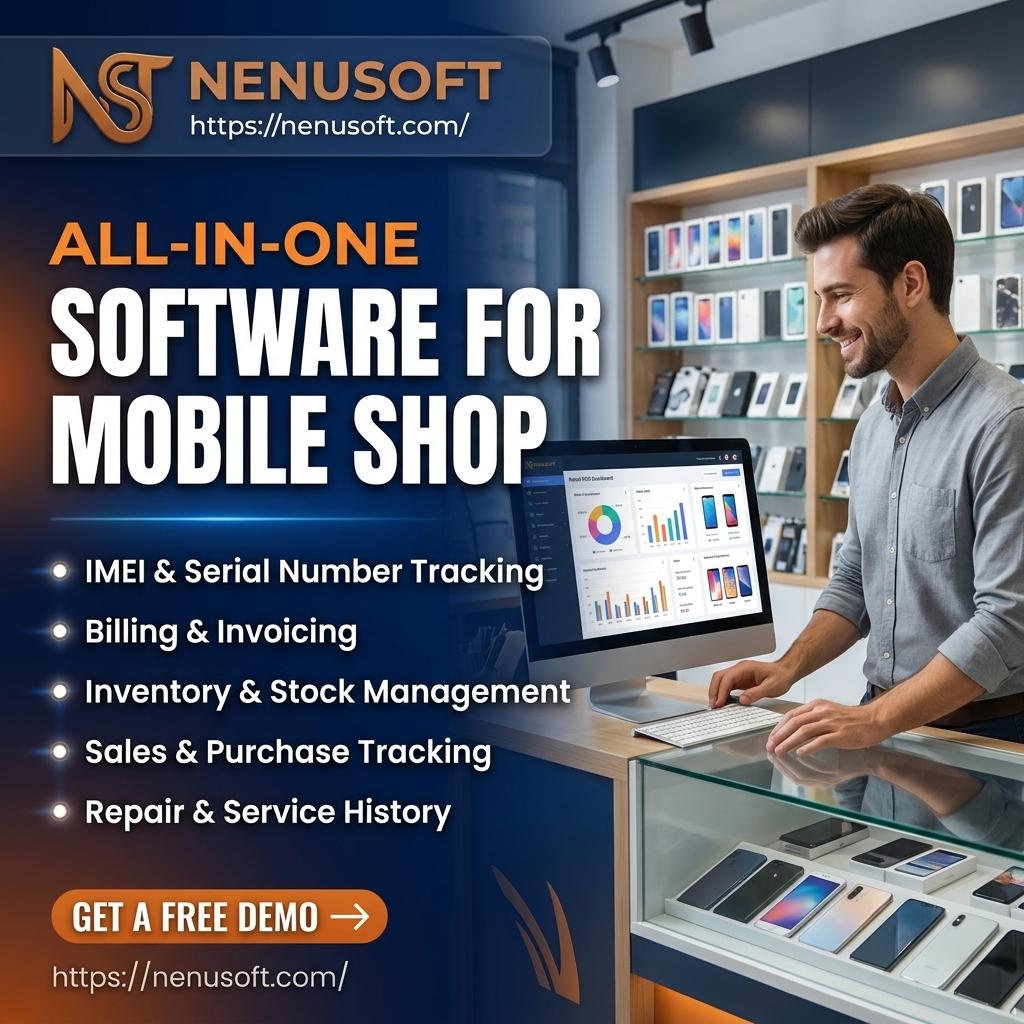
Running a mobile phone shop means juggling many things at once. You sell handsets, accessories, and SIM cards, repair broken screens, track IMEI numbers, and chase customers who still owe you money. Doing all of this on paper or in scattered spreadsheets leads to errors and lost profit. The right software for a mobile shop brings these tasks into one place. In this guide, you will learn what this software does, which features matter, how to compare options, and which mistakes to avoid.
Nenu Soft Technologies is a software house with 10+ years of experience. We build websites, mobile apps, SaaS platforms and POS software for businesses in Pakistan and worldwide.
What Is Software for a Mobile Shop?
Software for a mobile shop is a business management tool built for stores that sell and repair phones. It combines point-of-sale billing, stock control, customer records, repair tracking, and reports in one system. Think of it as a digital shopkeeper that never forgets a sale, a serial number, or a pending payment.
General retail billing programs can handle simple sales, but they often fall short for phone businesses. A phone is not like a packet of biscuits. Every handset has a unique IMEI or serial number, a warranty period, and sometimes a trade-in value. Good mobile shop software understands these details. It also supports repair jobs, which have stages, parts, and customer approvals that ordinary retail tools do not track well.
Why Your Mobile Shop Needs a Management System
Many owners start with a notebook and a calculator. That works when you sell five phones a week. It stops working when you sell fifty, hire staff, and stock hundreds of accessories.
The first benefit is accuracy. When a salesperson sells a phone, the system removes it from stock automatically. You always know what is on the shelf without counting. The second benefit is control. You can see who sold what, at what price, and with what discount. This reduces mistakes and makes it harder for small leaks in profit to go unnoticed.
The third benefit is customer trust. If a buyer returns with a warranty claim, you can search the IMEI and see the sale date and terms in seconds. Customers notice when a shop looks organized, and they tend to return.
Key Features to Look for in Mobile Shop Software
Not every feature matters equally. Focus first on the basics that affect your daily work, then consider extras as your shop grows.
Billing and Point-of-Sale
Your billing screen should be fast and simple. Staff should be able to scan a barcode or IMEI, apply a discount, accept cash or card, and print or send a receipt in under a minute. If billing is slow, your team will avoid using the system, and it will fail.
IMEI and Serial Number Tracking
This is the feature that separates phone-specific tools from general ones. The system should record the IMEI when you buy a phone from a supplier and link it to the customer when you sell it. This protects you in warranty disputes and helps you trace stolen or returned devices.
Inventory and Stock Alerts
Look for real-time stock counts, low-stock alerts, and the ability to manage variants such as colour and storage size. Accessories like chargers, cases, and screen guards sell in volume, so the software should handle quick barcode-based sales for them too. Good stock reports show which items sell fast and which sit on the shelf and tie up your money.
Repair Job Management
If you offer repairs, you need a job-tracking tool. A solid system lets you log the customer's device, describe the fault, estimate the cost, assign a technician, and update the status from received to repaired to delivered. Many systems can send a message to the customer when the phone is ready. This saves you from answering the same "Is my phone fixed yet?" call all day.
Customer and Supplier Records
You should be able to store customer details, purchase history, and outstanding balances. The same goes for suppliers. When you know how much you owe and how much people owe you, you can plan cash flow with more confidence.
Reports and Taxes
Daily sales, profit by product, staff performance, and tax summaries help you make decisions without guessing. If you must charge sales tax or similar levies, check that the software can handle the rules in your area. Tax rules differ by country, so confirm this before you commit.
Cloud-Based vs. Desktop Mobile Shop Software
This is one of the first choices you will face. Cloud-based software runs through the internet. You can check sales from your phone, manage more than one branch, and your data is backed up on remote servers. The downside is that you need a reliable internet connection, and you usually pay a recurring fee.
Desktop software is installed on your shop computer. It often works without internet and may involve a one-time payment. However, your data lives on that one machine. If the computer fails or is stolen and you have no backup, you could lose everything. You also cannot easily check the shop remotely.
Our software for mobile shop includes IMEI tracking, so you can record every phone you buy and sell. It also handles payments, returns and profit reports.
For a single small shop with unstable internet, a desktop system with regular backups can work. For an owner who wants to monitor the shop from home or plans to open a second branch, cloud software is usually more practical. Some products offer a hybrid mode that keeps working offline and syncs later, which is worth asking about.
How Much Does a Mobile Shop Software Cost?
Prices vary widely depending on the country, the features, and the number of users or branches. Some tools charge a monthly or yearly subscription. Others charge a single upfront fee, sometimes with an extra yearly cost for support and updates. Free versions exist, but they often limit the number of invoices, products, or users.
Do not judge only by the sticker price. Ask what is included. Does the price cover training, data migration, support, and updates? Are repair management and IMEI tracking part of the base plan or sold as add-ons? A cheaper plan that lacks the features you need will cost you more in the long run.
How to Choose the Best Software for Your Mobile Shop
Start by writing down how your shop actually works. Do you mostly sell new phones, used phones, accessories, or repairs? Do you give credit to regular customers? How many staff members will log in? The answers show which features are essential and which are nice to have.
Next, always test before you buy. Most good providers offer a free trial or a demo. Use it with real examples. Add a few products, sell a phone by IMEI, create a repair job, and print a receipt. If you feel lost in the first hour, your staff will struggle too.
Then check the support. When billing stops working on a busy Saturday, you need help quickly. Find out whether support is available in your language and during your shop hours. Read honest user feedback where possible, and ask other shop owners what they use.
Finally, think about the future. A system that suits one counter today should still work if you add a second branch or a new product line. Switching software later is possible, but moving your data is time-consuming, so a careful first choice saves effort.
Common Mistakes to Avoid
The most frequent mistake is picking software only because it is cheap or because a friend uses it. Your shop may have different needs. Another mistake is skipping staff training. Even the best tool fails if the team enters data carelessly or goes back to the notebook.
Many owners also forget about backups. Whether you choose cloud or desktop, confirm how your data is saved and how you can recover it. A third mistake is importing messy stock data. Before you move to a new system, clean up your product list, fix duplicate names, and count your actual stock. Starting with accurate data makes every report more reliable from day one.
A Real-Life Scenario
Imagine a shop owner who sells phones and repairs screens. Before using software, she wrote repairs in a register. Customers lost their slips, technicians forgot which parts were used, and she could not say how much profit repairs actually made. After moving to a system with repair tracking, each job had a number, a status, and a cost record. She could finally see which repairs earned money and which barely covered the parts. This is not a guarantee of results for every shop, but it shows how structured records give you information you can act on.
Frequently Asked Questions
Can I use free software for a mobile shop?
Yes, but check its limits carefully. Free versions often restrict users, invoices, or features like IMEI tracking and repair management. They can suit a very small shop or a trial period, but many growing shops eventually need a paid plan.
Do I need internet to run mobile shop software?
Not always. Desktop software usually works offline, and some cloud products include an offline mode that syncs later. If your internet is unreliable, ask about offline support before buying.
Is mobile shop software suitable for a repair-only business?
Yes. Many systems include repair job tracking, parts inventory, and customer notifications. If you only do repairs, make sure the software focuses on job status, estimates, and technician assignment rather than retail features you will not use.
How long does it take to set up?
A basic setup can take a few hours to a few days. The time depends on how many products you must enter and how organized your existing records are. Allow extra time to train your staff.
Your Next Step
The right software for a mobile shop should make daily work easier, protect you from stock and billing errors, and give you clear numbers about your business. Focus on IMEI tracking, simple billing, solid inventory control, and repair management, then match the pricing and setup style to your shop's size. Your next step is simple: write down your top five daily tasks, then try a free demo of two or three systems and test each task with real data. The one that feels easiest and covers your needs is likely the right choice.

 English
 Arabic
 French
 Spanish
 Portuguese
 Deutsch
 Turkish
 Dutch
 Italiano
 Russian
 Portuguese (Brazil)
 Greek