


What Video Format Should You Use for Online Courses?
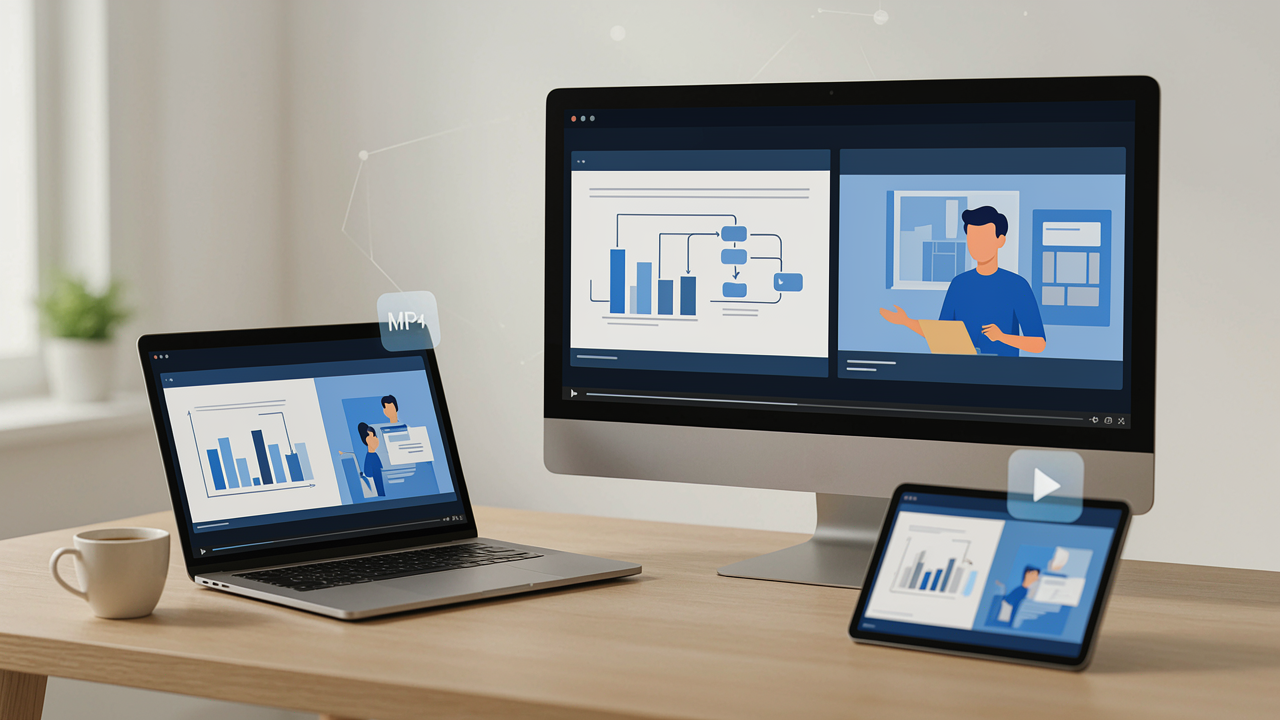
Online learning has changed how people access education. Students can now attend lectures, watch tutorials, learn practical skills, and complete training programs from almost anywhere. However, delivering a good learning experience involves more than recording a lesson and uploading it to a website. The video format also plays an important role.
Choosing the right format helps educational videos play smoothly, maintain clear visuals, and work across different devices. It can also make uploading, sharing, and managing course materials easier for instructors.
With several video formats available, selecting the right one may seem confusing. Understanding their differences can help educators make better decisions when preparing educational videos. So, what video format should you use for online courses? Let's explore the most practical options.
1. Why Video Format Matters in Online Learning
Video format determines how audiovisual information is stored and delivered. Different formats support different levels of compatibility, compression, quality, and file size.
For online courses, these factors directly affect the student experience. Imagine a student trying to watch an important lecture on a smartphone with a slow internet connection. A very large video file may take too long to load, interrupt playback, or consume unnecessary mobile data.
On the other hand, a properly compressed video can provide a smoother viewing experience without making the content difficult to understand.
When choosing video formats for online learning, consider these important factors:
-
Compatibility: The video should work on common browsers, computers, tablets, and smartphones.
-
Video quality: Text, diagrams, demonstrations, and presentations should remain clear.
-
File size: Smaller files are generally easier to upload, store, and stream.
-
Compression: Good compression reduces file size while preserving acceptable quality.
-
Platform support: The format should be supported by the learning management system (LMS) or hosting platform.
A suitable format makes educational content more accessible and reduces technical problems for both instructors and learners.
2. MP4: The Best All-Round Choice for Online Courses
MP4 is one of the most widely used video formats for digital content. It offers a practical balance between video quality, file size, and compatibility, making it a strong choice for online education.
MP4 commonly uses H.264 video compression and AAC audio. This combination is supported by most modern browsers, smartphones, computers, and video platforms.
There are several reasons why MP4 is suitable for educational content:
Broad device compatibility: Students can generally watch MP4 videos on Windows, macOS, Android, iOS, and modern web browsers without installing additional software.
Manageable file sizes: Efficient compression helps reduce storage requirements and makes videos easier to upload and distribute.
Good visual quality: MP4 can preserve clear images, readable presentation slides, and detailed demonstrations when exported with appropriate settings.
Reliable sharing: Instructors can share MP4 files through course platforms, websites, cloud storage, and other digital channels.
This makes MP4 for presentations particularly useful. Teachers can record slide-based lectures, explain complicated topics, demonstrate software, and create training sessions in a format that most learners can access.
For most instructors who need one general-purpose downloadable video format, MP4 is an excellent starting point.
3. Other Video Formats Worth Understanding
Although MP4 is a popular option, other formats also have useful applications. Understanding their strengths can help educators choose the right format for specific production and distribution requirements.
MOV: Developed by Apple, MOV is commonly associated with QuickTime and professional video editing workflows. It can preserve high-quality footage, making it useful during editing. However, compatibility and file size may vary depending on the codec used.
WebM: WebM is designed for web-based video delivery. It supports modern codecs such as VP9 and AV1 and can be useful for browser-focused streaming. However, compatibility with older software and devices should be checked.
AVI: AVI is an older video container format that can store video and audio using different codecs. It may be useful when working with older recordings, but files can become large, and compatibility is less consistent than MP4.
MKV: Matroska Video supports multiple audio tracks, subtitles, and other media streams. It is useful for storing complex video content, although some learning platforms and devices may not support it directly.
For everyday course publishing, MP4 is usually the simplest choice. Other formats may be better suited to editing, archiving, or specialized workflows.
4. Recommended Settings for Preparing Educational Videos
Selecting the correct format is only one part of producing high-quality educational content. Export settings also influence playback performance, clarity, and file size.
For most standard online courses, the following settings provide a useful starting point:
|
Setting |
Recommended option |
|---|---|
|
File format |
MP4 |
|
Video codec |
H.264 |
|
Audio codec |
AAC |
|
Resolution |
1920 × 1080 (1080p) |
|
Frame rate |
25 or 30 FPS |
|
Aspect ratio |
16:9 |
|
Audio quality |
44.1 or 48 kHz |
|
Video bitrate |
Around 5 Mbps for 1080p |
These are practical starting settings rather than universal requirements. Always check the specifications of your course platform before exporting.
A few additional tips can improve the final result:
-
Keep presentation text large enough to read on smaller screens.
-
Use a clear microphone to make explanations understandable.
-
Avoid unnecessary visual effects that increase file size.
-
Maintain consistent audio levels throughout the lesson.
-
Break lengthy lectures into shorter, focused videos.
When preparing educational videos, remember that clarity and accessibility are more important than simply choosing the highest resolution.
5. How to Convert Videos Into a Suitable Format
Sometimes instructors record lessons using smartphones, cameras, screen-recording applications, or editing software. These tools may produce MOV, AVI, MKV, or other file types.
Unfortunately, the original recording format might not be supported by the intended learning platform. Converting the video into MP4 can help resolve compatibility problems.
Here is a simple workflow:
Step 1: Check the original video. Identify its current format, resolution, audio quality, and file size.
Step 2: Select a suitable output format. Choose MP4 with H.264 video and AAC audio for general course distribution.
Step 3: Choose appropriate quality settings. Maintain enough resolution and bitrate to keep presentation slides, diagrams, and demonstrations readable.
Step 4: Convert the video. Use a suitable video conversion tool to process the original recording into the required format.
Step 5: Test the converted file. Play the output on different devices and check its sound, picture quality, and playback compatibility.
If you need to change video formats, Easy Converter provides an online destination for exploring file conversion tools. Its browser-based approach supports several file conversion needs, including image, audio, and document workflows, while video conversions are handled through its secure server process.
Before uploading educational recordings, check the privacy policy and avoid submitting confidential student information or sensitive classroom material unnecessarily.
6. How to Choose the Best Format for Your Course
The best video format ultimately depends on your teaching goals, audience, and distribution platform.
For most instructors, MP4 is the recommended general-purpose option because it combines broad compatibility with manageable file sizes. It works particularly well for recorded lectures, tutorials, demonstrations, and presentation-based lessons.
However, different situations may require different approaches:
-
Recorded lectures: MP4 with H.264 is a practical choice for everyday distribution.
-
Presentation videos: MP4 helps maintain clear slides, charts, and explanations across devices.
-
Professional editing: MOV may be useful during editing workflows before creating a final MP4 version.
-
Website-based video delivery: WebM can be considered alongside MP4 when browser support and encoding requirements are suitable.
-
Long-term storage: Keep an original high-quality recording separately from the compressed version used for students.
It is also worth testing your course videos before publishing them. A file that works perfectly on your computer may behave differently on another device or learning platform.
Consider your students' internet connections as well. Providing multiple resolutions through a suitable video hosting platform can help learners with slower connections access lessons more comfortably.
Conclusion
Choosing the right video format is an important step in creating a professional online learning experience. While MOV, AVI, MKV, and WebM all have useful applications, MP4 remains an excellent all-round choice for most educational videos.
Its combination of compatibility, compression, and visual quality makes it suitable for lectures, tutorials, and MP4 for presentations. By selecting appropriate export settings, checking platform requirements, and testing videos across devices, educators can make their course materials easier to access and enjoy.
Ultimately, preparing educational videos is not just about producing attractive recordings. It is about delivering clear, reliable, and accessible learning content that helps students focus on what matters most: understanding and applying new knowledge.

 English
 Arabic
 French
 Portuguese
 Deutsch
 Turkish
 Dutch
 Italiano
 Russian
 Romaian
 Portuguese (Brazil)
 Greek